

Traditionally, to measure AI, static benchmarks have been the yardstick. These work well for evaluating LLMs and AI reasoning systems. However, to evaluate frontier AI agent systems, we need new tools that measure:
- Exploration
- Percept → Plan → Action
- Memory
- Goal Acquisition
- Alignment
By building agents that can play ARC-AGI-3, you’re directly contributing
to the frontier of AI research.
Learn more about
ARC-AGI-3.
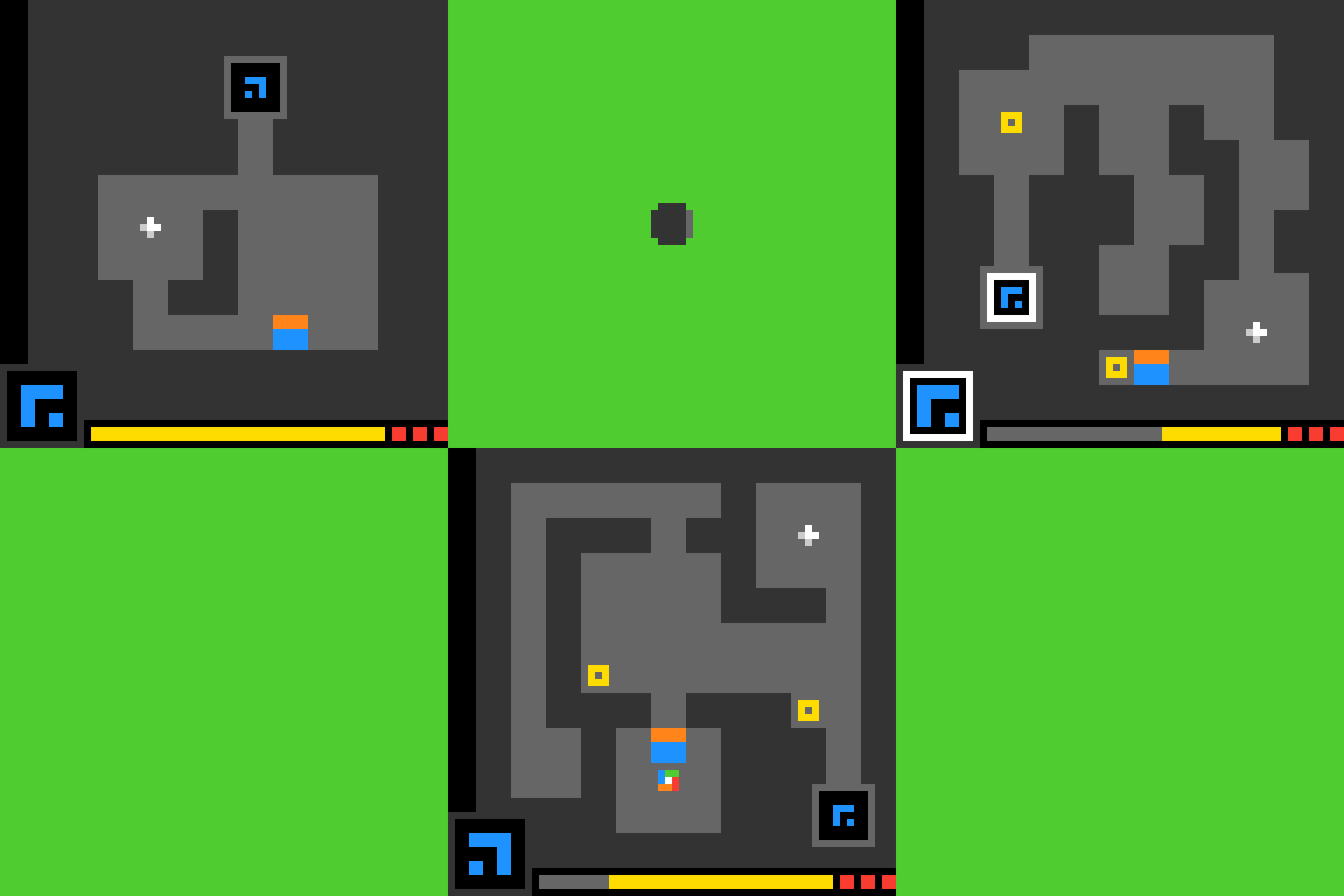
Can you build an agent to beat this game?
Play your first ARC-AGI-3 environment
1. Install the ARC-AGI Toolkit
2. Set your ARC_API_KEY
Optionally set your ARC_API_KEY. If no key is provided, an anonymous key will be used. However, registering for an API key will give you access to public games at release. Get an ARC_API_KEY
3. Play your first game
Create a file calledplay.py:
Next Steps
After running your first environment:- Make it fast - Use
env = arc.make("ls20")withoutrender_modeto hit +2K FPS - Try a different game - Run
env = arc.make("ft09", render_mode="terminal")to play another game. See a list of games available at arcprize.org/tasks or via the ARC-AGI Toolkit - Use an agent - Explore agent templates or create your own agent.
- Explore the ARC-AGI Toolkit - The ARC-AGI Toolkit allows quick and easy integration with ARC-AGI Environments.